Multi-AZ on AWS: High Availability Without the Guesswork
· Pavan Y N · aws, architecture, scalability, distributed-systems, cloud, terraform
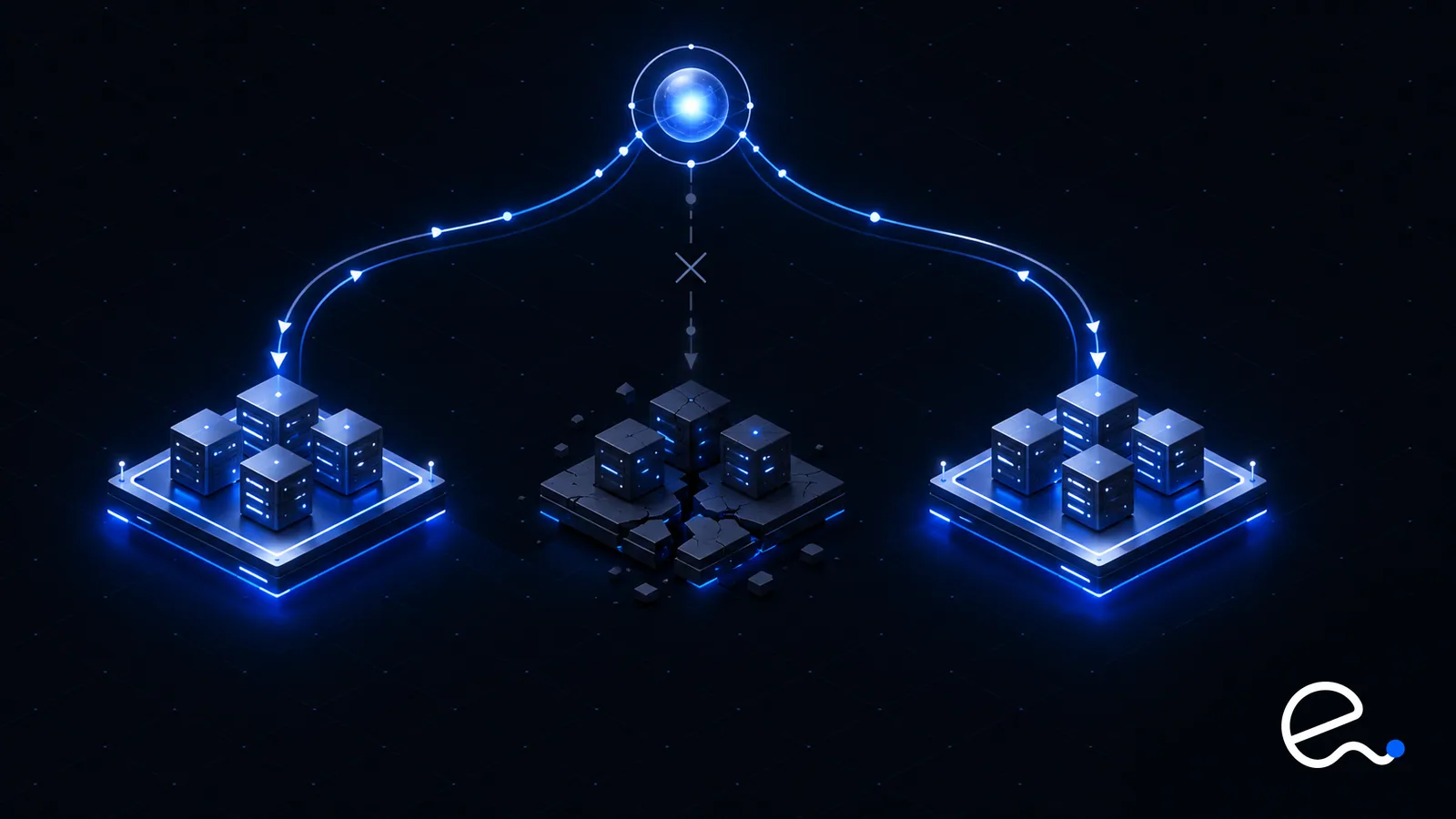
Putting servers in two Availability Zones (AZs) does not make an application highly available. It makes it eligible to be. Whether it survives an AZ failure depends on small decisions: where the NAT gateway lives, whether the database has a standby, how much spare capacity the surviving zones carry, and how long clients keep talking to a dead endpoint. Most Multi-AZ outages are not caused by AWS failing. They are caused by one tier that was quietly single-zone.
EduGeek walks through this tier by tier: how each AWS building block behaves when a zone disappears, the capacity arithmetic that decides whether the survivors cope, and how to prove it works before a real incident does. The AWS behaviors stated here were checked against current AWS documentation, linked at the end.
# Regions, AZs, and what a failure looks like
A Region is a physically and logically independent location made up of three or more Availability Zones. AZs have independent power, cooling and networking, yet are close enough that AWS describes the links between them as single-digit-millisecond networking, which is why synchronous replication across zones is practical.
The failure model is therefore a fire, power loss, network fault or software fault scoped to one zone. It does not cover a Region-wide problem, your own bad deployment, or a misconfiguration rolled out to every zone at once.
A zonal failure is rarely a clean "off" switch. AWS's fault-injection scenario for a zonal power interruption models the symptoms well:
- →Compute in the zone stops, including the ECS and EKS tasks and pods running on it.
- →Capacity can't be replaced in that zone, because launch calls for it fail.
- →Subnet connectivity is lost, and for a short window DNS may still return addresses in the dead zone.
- →Managed data services fail over: RDS promotes a standby, ElastiCache promotes a replica.
- →Single-zone storage such as EBS volumes and S3 Express One Zone buckets becomes unreachable or unresponsive.
Some failures are instant, some self-heal, some need a human. A good design leaves none for the human.
# Design each tier for the loss of a zone
The pattern is the same everywhere: every tier exists in every zone you use, and the remaining zones can carry the whole workload.
## Load balancers
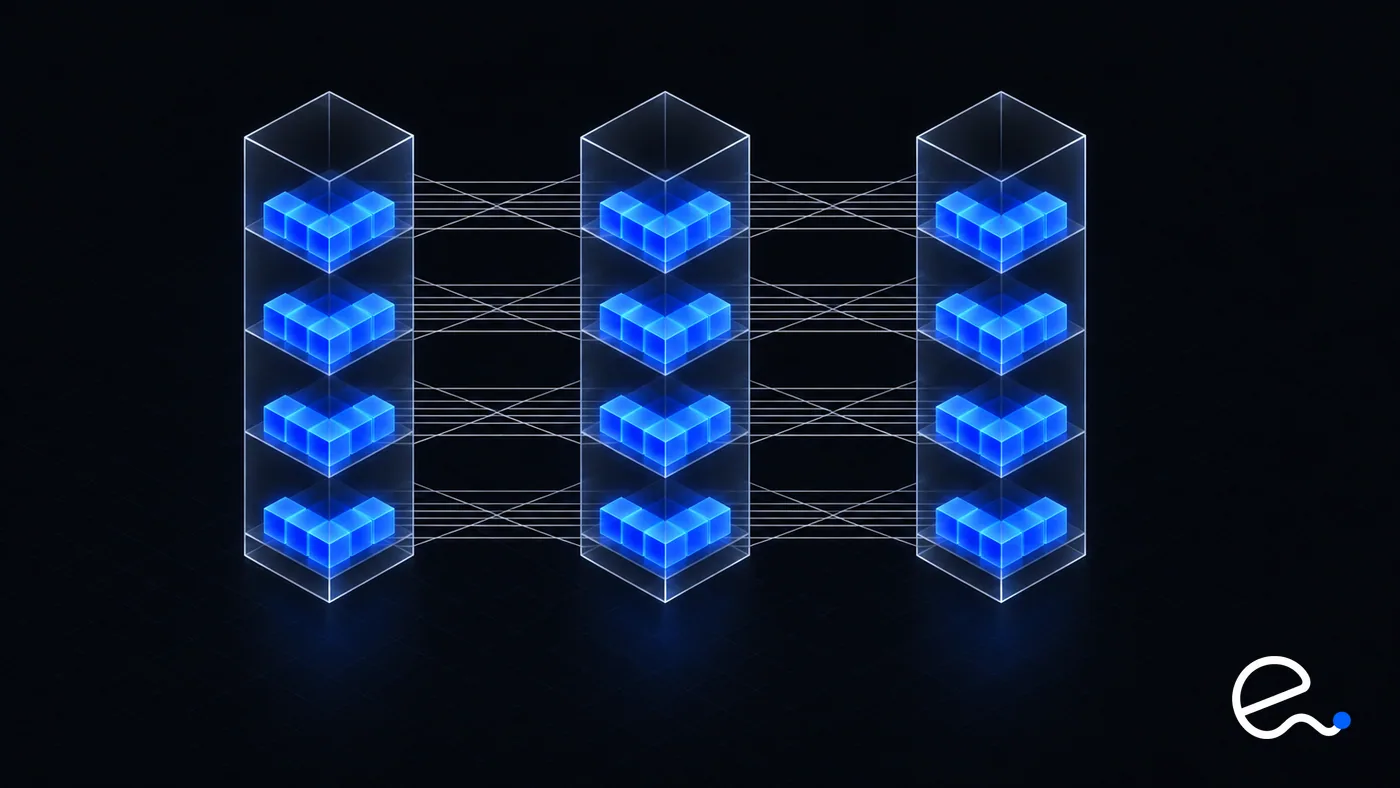
Enabling an AZ on a load balancer creates a node in that zone. An Application Load Balancer requires at least two enabled zones, and AWS recommends multiple zones for every type. Cross-zone defaults are where designs go wrong:
| Load balancer | Cross-zone default |
|---|---|
| Application Load Balancer (ALB) | Always on at the load balancer level; can be disabled per target group |
| Network Load Balancer (NLB) | Off by default; configurable |
| Gateway Load Balancer (GLB) | Off by default; configurable |
With cross-zone off, each node sends traffic only to targets in its own zone. AWS's example: two targets in zone A, eight in zone B, clients split evenly across the two nodes. Cross-zone off gives each zone-A target 25% of traffic and each zone-B target 6.25%. Unevenly sized zones plus cross-zone off means hot spots. Evenly sized zones keep traffic local, but you lose automatic rebalancing.
Amazon Application Recovery Controller (ARC) zonal shift moves a load balancer's traffic away from one impaired zone with a single action. With cross-zone off, shifting away also removes that zone's target capacity, which matters for the capacity math below.
## Stateless compute
Run application servers in an Auto Scaling group whose subnets span every zone you use. It tries to keep instance counts equal across zones, and if a zone becomes unavailable it launches in the others to compensate. After recovery it rebalances by launching before terminating. Use ELB health checks for the group, not just EC2 status checks, so an instance that is running but not serving gets replaced.
On Kubernetes the equivalent is topology spread constraints over the zone label (advanced Kubernetes guide). The core Terraform is below (VPC, launch template and variables omitted; the full configuration passed terraform validate):
data "aws_availability_zones" "available" {
  state = "available"
}

locals {
  azs = slice(data.aws_availability_zones.available.names, 0, var.az_count)
}

resource "aws_subnet" "private" {
  count             = var.az_count
  vpc_id            = aws_vpc.main.id
  availability_zone = local.azs[count.index]
  cidr_block        = cidrsubnet(aws_vpc.main.cidr_block, 8, count.index)
}

resource "aws_autoscaling_group" "app" {
  min_size            = 6
  max_size            = 12
  desired_capacity    = 6
  vpc_zone_identifier = aws_subnet.private[*].id
  health_check_type   = "ELB"
  target_group_arns   = [aws_lb_target_group.app.arn]

  health_check_grace_period = 120

  launch_template {
    id      = aws_launch_template.app.id
    version = "$Latest"
  }
}
vpc_zone_identifier makes the group Multi-AZ, because each subnet lives in exactly one zone. min_size = 6 across three zones is deliberate; the capacity section explains why. For background on the workflow, see the Terraform guide.
## Relational databases
"Multi-AZ" means three different things depending on the product.
RDS Multi-AZ DB instance. A standby in another zone. On failure RDS flips the instance's DNS record to the standby, so every connection must reconnect. AWS documents typical failover as 60 to 120 seconds, longer after large transactions or lengthy recovery.
RDS Multi-AZ DB cluster. One writer and two readable standbys across three zones, using semisynchronous replication that needs an acknowledgement from at least one reader. AWS documents failover as typically under 35 seconds, with a catch: it completes only once outstanding transactions from the failed writer are applied, so replica lag extends your outage. Alarm on ReplicaLag.
Aurora. Storage is separate from compute. Aurora keeps data copies across three zones however many instances you run, but compute placement is yours: up to 15 asynchronous replicas. With a replica in another zone, AWS says service is typically restored in under 60 seconds and often under 30. With no replica, Aurora recreates the writer in the same zone, typically under 10 minutes, and a zone outage leaves you rebuilding by hand. Set promotion priorities (0 highest, 15 lowest) so the right replica is promoted first.
All three are only as fast as client reconnection. A pool or JVM that caches a DNS answer turns a 30-second failover into a long outage; AWS recommends a JVM DNS time to live (TTL) of no more than 60 seconds. RDS Proxy bypasses DNS caches and is documented as reducing failover time. Measure your own number.
## Caches
ElastiCache for Valkey and Redis OSS needs Multi-AZ enabled on a replication group with a replica in a different zone. On primary failure the replica with the least lag is promoted and, per AWS, writes typically resume within seconds. Replication is asynchronous, so a little data may be lost: fine for a cache, not for a system of record. See caching strategies for surviving a cold cache.
## Storage and managed services
Storage with the wrong scope is the most common hidden single-zone dependency.
| Service | AZ behavior |
|---|---|
| S3 Standard, Standard-IA, Intelligent-Tiering, Glacier classes | Stored across at least three AZs; designed to survive loss of one |
| S3 One Zone-IA, S3 Express One Zone | Single AZ |
| EFS Regional | Redundant across multiple AZs |
| EFS One Zone | Single AZ; data may be lost if the zone is damaged |
| EBS volume | Single AZ; attaches only to instances in the same zone |
| DynamoDB, SQS, Kinesis Data Streams | Replicated across zones by default |
For self-managed storage such as EBS or instance store, AWS's guidance is that Multi-AZ replication is your responsibility. A database you run on EC2 needs its own cross-zone replication.
## The NAT gateway
A standard (zonal) network address translation (NAT) gateway lives in a single zone. If private subnets in all three zones route through one gateway, losing its zone cuts outbound access for the other two even though their compute is healthy. The classic fix is a zonal NAT gateway in each zone that has resources needing internet access. AWS now also offers a regional NAT gateway that expands across zones automatically (it does not support private NAT, and can take up to 60 minutes to expand into a new zone), which removes the per-zone gateways and route tables. Check whether it fits before copying the per-zone pattern below:
resource "aws_nat_gateway" "per_az" {
  count         = var.az_count
  allocation_id = aws_eip.nat[count.index].id
  subnet_id     = aws_subnet.public[count.index].id
}

resource "aws_route_table" "private" {
  count  = var.az_count
  vpc_id = aws_vpc.main.id

  route {
    cidr_block     = "0.0.0.0/0"
    nat_gateway_id = aws_nat_gateway.per_az[count.index].id
  }
}
Associate each private subnet with the route table of the same index, and in real code make the gateways depend on the internet gateway. VPC endpoints for AWS services take traffic off the NAT path, removing a dependency and a cost.
# The capacity math: N+1 versus running at 50%
Redundancy without capacity is decoration. If three zones each run at their limit and one fails, the survivors face 150% load.
Let D be peak demand and N the number of zones. To lose one zone and still serve D without scaling, the remaining N-1 zones must hold D between them, so the total deployed is N × D / (N-1).
| Zones (N) | Total capacity deployed | Steady-state utilization at peak |
|---|---|---|
| 2 | 2.0 × D | 50% |
| 3 | 1.5 × D | about 67% |
| 4 | about 1.33 × D | 75% |
Two zones means paying double your peak. Three costs half again, the quiet economic argument for three-zone designs: more zones make zone-loss insurance cheaper. That is why the Terraform uses six instances for a workload needing four at peak: two per zone, and the four that survive cover demand exactly.
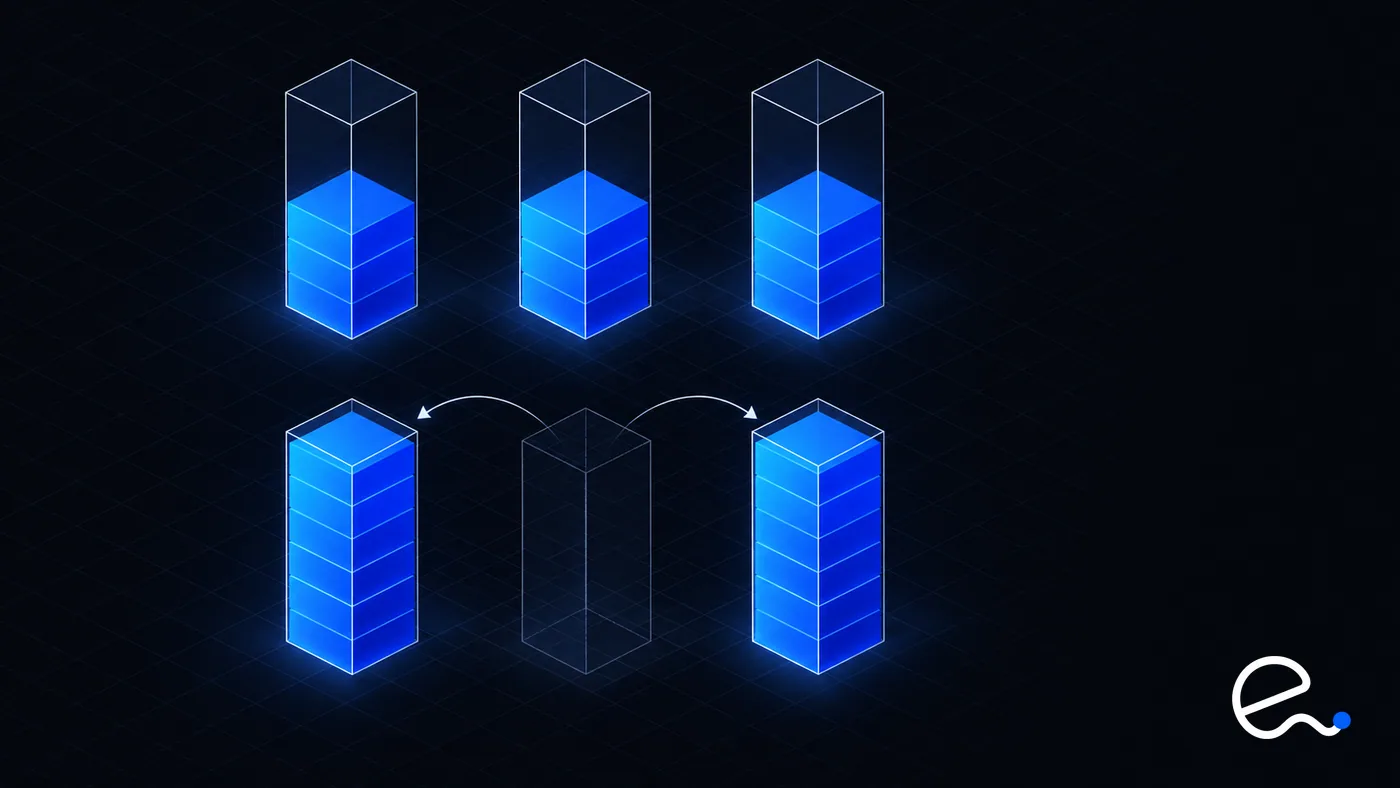
Timing is the catch. In a real zonal event every customer in the Region is trying to replace lost capacity in the same surviving zones. AWS's zonal autoshift guidance is explicit: pre-scale in all zones and do not rely on scaling on demand when a shift starts. If Auto Scaling handles daily cycles, set the minimum high enough to survive a zone loss.
# Health checks and failover time budgets
Failover is a sum, not an event:
| Stage | What drives it |
|---|---|
| Detection | Health check interval times unhealthy threshold |
| Draining | Deregistration delay and client connection reuse |
| DNS and client caching | Record TTL; ELB records use a 60-second TTL per AWS |
| Database failover | Documented typical figures above |
| Reconnection | Pool behavior and retry policy |
With a 10-second interval and a threshold of three (example values, not defaults), detection alone is 30 seconds. Tighter checks shorten that but risk flapping. Write a number per stage and check the total against your objective.
- →Health checks should be shallow. One that calls a downstream database pulls the whole fleet out of rotation when that database blips. Keep deep checks for alerting.
- →Cap how long clients hold connections. AWS notes traffic can keep reaching a zone you shifted away from, depending on connection reuse.
- →Give retries budgets and jitter, or synchronized retries become a load spike on the survivors.
ARC zonal autoshift lets AWS shift supported resources away from a zone when its telemetry shows an impairment. It doesn't inspect your individual resources and may shift when you are unaffected, so pre-scaled capacity is a prerequisite.
# Hidden single points of failure
- →A single zonal NAT gateway, egress proxy, or single-zone storage such as an EBS-backed database.
- →Self-managed singletons: the one Jenkins, Vault, bastion or broker in one zone because it "isn't production traffic". If it is in the deploy or recovery path, it is.
- →DNS. Failover records help only if clients re-resolve; AWS recommends a TTL of 60 seconds or less on failover records.
- →Config and secrets read at startup. If replacements can't fetch them during an event, they never become healthy.
- →The deployment pipeline. An AZ is a failure boundary for infrastructure, not for your release. A bad deploy reaches every zone at once unless you stage it, ideally one zone at a time with a bake period.
- →AZ naming.
us-east-1acan be a different physical zone in different accounts; use AZ IDs.
Draw the request path and the recovery path separately; recovery needs a registry, a secrets store and a pipeline.
# Prove it: game days and fault injection
An untested failover is a hypothesis. AWS Fault Injection Service (FIS) runs experiments against real resources, built from actions, targets and stop conditions; a stop condition is a CloudWatch alarm that halts the experiment. AWS recommends planning first and rehearsing in pre-production.
FIS ships an "AZ Availability: Power Interruption" scenario that stops instances in a zone, blocks launches and Auto Scaling there, disrupts subnet connectivity, fails over RDS, interrupts ElastiCache nodes, pauses EBS I/O on a volume and starts an ARC zonal autoshift. By default it injects symptoms for 30 minutes, then 30 more of recovery symptoms. Targets are selected by tags.
Before running it:
- →It has no stop conditions by default. Add alarms for your application.
- →Fargate tasks and pods are not covered.
- →RDS Multi-AZ DB clusters with two readable standbys are not supported; capacity is reprovisioned immediately, so the test doesn't reflect a real outage.
- →It performs real actions. Treat the first run like a deployment.
Write the hypothesis ("losing one zone keeps errors under X and recovers within Y"), run it in staging under load, compare against your time budget, then repeat in production at low traffic with an owner ready to stop. Findings are rarely about AWS: a pool that never re-resolved DNS, a dashboard pinned to one zone.
# Cost trade-offs and data transfer
Multi-AZ costs three ways: spare capacity, standby databases, and cross-zone data transfer. AWS's architecture guidance says traffic crossing a zone boundary typically incurs a transfer charge while same-zone traffic is free; it gives no rates, so none are quoted here. It also notes that RDS Multi-AZ replication to the standby incurs no extra transfer charge, while consumers outside the primary's zone are charged.
- →Chatty cross-zone calls add up quietly. Zone-aware routing, such as Kubernetes topology-aware routing, keeps most calls local.
- →Cross-zone load balancing trades cost against balance; check Elastic Load Balancing pricing for your type.
- →Don't optimize away resilience. Routing everything into one zone to save transfer cost rebuilds a single-zone system.
The wider discipline is in FinOps basics for engineers: chase idle and oversized resources, not the standby.
# When multi-Region is the right answer
Multi-AZ covers zone-scoped failures, not a Region-wide event, a regional service failure, or needs such as residency in two places or latency to distant users.
The AWS Well-Architected guidance lists multi-Region where Multi-AZ would satisfy requirements as an anti-pattern. Multi-Region means duplicating foundations, replicating data (mostly asynchronously, so your recovery point objective is above zero) and routing with DNS health checks or ARC. Aurora Global Database replicates asynchronously; DynamoDB global tables accept writes in several Regions.
Start from recovery time and recovery point objectives and the cost of an outage per hour. If a Region-wide outage of a few hours is tolerable, do Multi-AZ well and keep backups or a warm standby elsewhere. If not, multi-Region is justified, once the workload can run entirely inside one Region; AWS warns that cross-Region dependencies can weaken reliability.
# Key takeaways
- →A Multi-AZ design is only as available as its most zone-bound tier. Audit NAT gateways, EBS volumes, One Zone storage and self-managed singletons first.
- →Cross-zone load balancing is always on for ALB at the load balancer level and off by default for NLB and GLB.
- →RDS Multi-AZ instance, RDS Multi-AZ cluster and Aurora fail over differently. Documented typical times run from under 35 seconds to 60 to 120 seconds, and client DNS and connection handling can dominate.
- →Capacity is the failover. Surviving one zone loss at N zones means deploying N/(N-1) times peak, so three zones is cheaper insurance than two. Pre-scale; don't rely on scaling during the event.
- →Write a failover time budget per tier (detection, draining, DNS, database failover, reconnection), then test it with FIS and ARC practice runs and your own stop conditions.
- →Cross-zone traffic is typically billed and same-zone traffic is not, so keep calls local without giving up the standby.
- →Choose multi-Region for Region-level risk, latency or residency, not as a default upgrade.
# Further reading
- →REL10-BP01 Deploy the workload to multiple locations, AWS Well-Architected Reliability Pillar.
- →How Elastic Load Balancing works, including cross-zone load balancing and zonal shift.
- →Zonal autoshift in ARC, Amazon Application Recovery Controller.
- →AZ Availability: Power Interruption, the AWS Fault Injection Service scenario.
- →Failing over a Multi-AZ DB cluster for Amazon RDS, RDS cluster failover behavior.
- →High availability for Amazon Aurora, Aurora storage, replicas and failover.